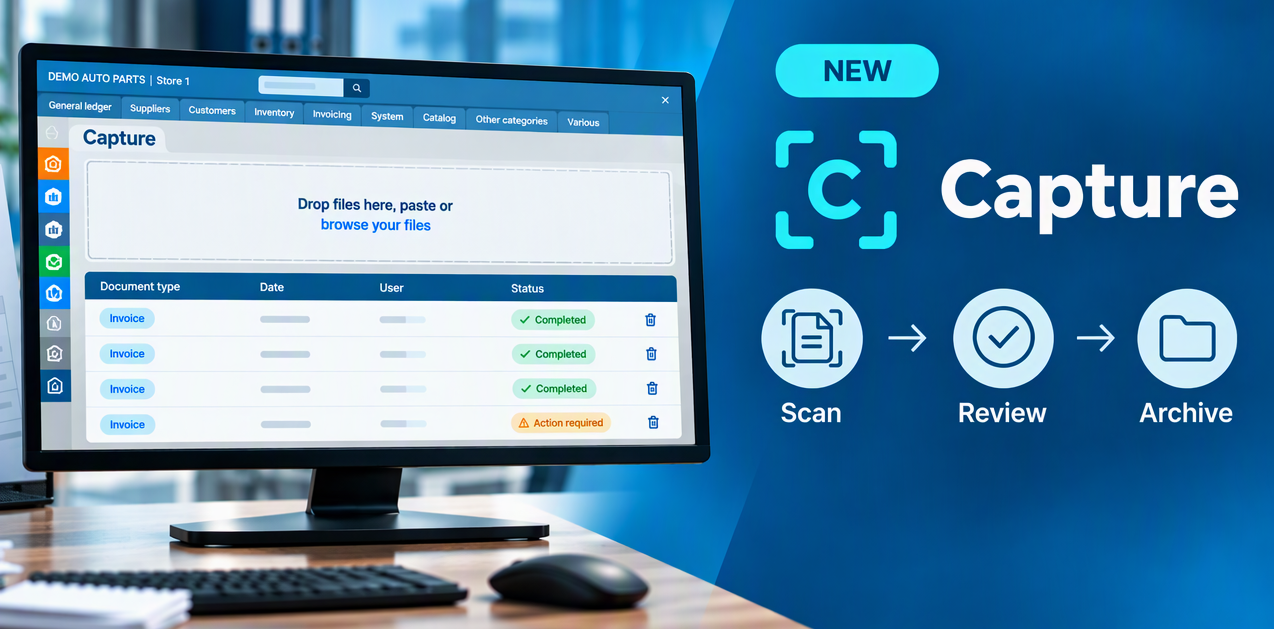
Summary : Capture simplifies purchase invoice processing in ProgiPac. Upload your invoices, review the recognized information and add them to your batch. Easily find your invoices again once they have been archived.
A much-anticipated new feature is coming to ProgiPac. With Capture, spend less time on administrative tasks and more time on your business.
What is Capture?
Capture turns the information on your purchase invoices into accounting entries ready for processing in ProgiPac in just a few minutes. Upload your invoice, and the tool recognizes its content and extracts the information needed to prepare the accounting entry. You can then review the information before adding the invoice to your batch and archiving the document.
Beyond data entry, Capture also makes it easier to organize and retrieve your documents. When you need to look up an invoice after processing it, you can easily find it.
The goal is to reduce manual work, from receiving an invoice to looking it up later, while keeping you in control of the review process.
How does it work?
1. Scan and upload your invoice
If your invoice is on paper, start by scanning it. Then upload the PDF to Capture to begin document recognition.
Capture analyzes the content and extracts the information needed to prepare the accounting entry.
2. Review the recognized information
You have the final say. Before continuing, review the recognized information and complete any required details.
The interface shows the information Capture has recognized and any details that need your attention, such as matching the supplier or selecting the general ledger account. Document recognition does not replace your review.
3. Add invoices to your batch
In your supplier invoice batch, the Capture button lets you select the invoices to add. You can then review them and update the batch as part of your accounting process.
4. Find your documents after processing
Once your invoices have been processed, the documents can be archived for easy access later. Capture does more than recognize invoice information. It also helps you organize your invoices and find them when you need them.
Fewer repetitive tasks, more time for what matters
Capture reduces manual data entry and makes archived invoices easier to find. Spend less time on repetitive administrative tasks and more time on activities that add value to your business.
Want to learn more about Capture?
Contact us at 1-866-339-1973, ext. 263 or email dlemieux@progi.com to learn how Capture works and how to get it for your business.
Thank you for your trust!
The ProgiPac Team